
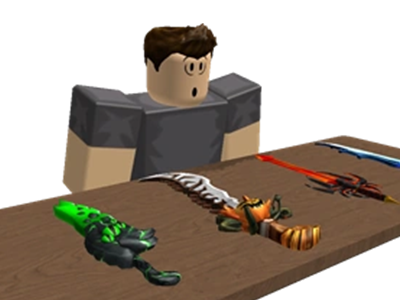








































ROBLOX is a popular platform where millions of users create, play, and trade in a virtual world. However, with its growing popularity, the risk of account theft, scams, and unauthorized access has also increased. Protecting your ROBLOX account is crucial to ensure a safe and enjoyable experience. Here are some essential tips to keep your account secure, including how to safely trade and buy items from trusted stores like **LOLGA shop**.
1.Use a Strong and Unique Password
Your password is the first line of defense for your ROBLOX account. A weak password can make your account an easy target for hackers. To create a strong password:
- - Make it at least 12 characters long.
- - Use a mix of uppercase and lowercase letters, numbers, and special symbols (e.g., !, @, #, $).
- - Avoid using personal information like your name, birthday, or common phrases like "password123."
- - Never reuse passwords from other accounts. If one account is compromised, others could be at risk too.
Consider using a **password manager** to generate and store complex passwords securely.
2.Enable Two-Factor Authentication (2FA)
Two-Factor Authentication (2FA) adds an extra layer of security to your account. Even if someone steals your password, they won’t be able to access your account without the verification code sent to your email or authenticator app.
To enable 2FA:
- Log in to your ROBLOX account.
- Go to **Settings** (the gear icon in the top-right corner).
- Navigate to the **Security** tab.
- Follow the instructions to set up 2FA using your email or an authenticator app like Google Authenticator.
3.Be Cautious of Phishing Scams
Phishing scams are one of the most common ways hackers steal ROBLOX accounts. Scammers create fake websites, emails, or messages that look like they’re from ROBLOX to trick you into revealing your login details. Here’s how to protect yourself:
- - Never click on suspicious links in emails, messages, or social media posts.
- - Always check the URL before logging in. Official ROBLOX websites start with **https://www.roblox.com**.
- - Be wary of messages promising free ROBUX, rare items, or exclusive deals. If it sounds too good to be true, it probably is.
- - Never share your account information, even with friends or family.
4.Only Trade and Buy from Trusted Stores
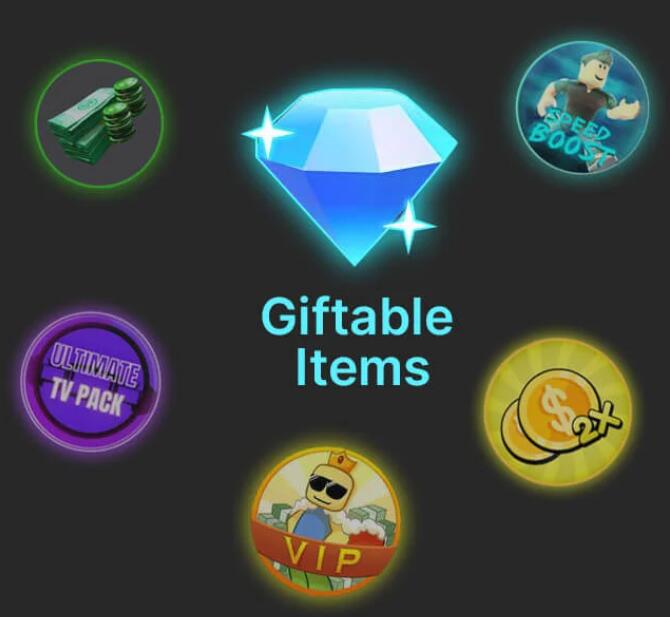
If you’re looking to buy ROBUX, items, or accounts, always use trusted and reputable stores like **LOLGA shop**. These platforms have a proven track record of secure transactions and customer satisfaction. Here’s why choosing a trusted store matters:
- - Secure Payment Methods: Trusted stores use encrypted payment systems to protect your financial information.
- - Verified Sellers: They ensure that all items and accounts are legitimate and not stolen.
- - Customer Support: If something goes wrong, you can rely on their support team to help resolve issues.
When trading within ROBLOX:
- - Always double-check the details of the trade before confirming.
- - Avoid deals that seem suspicious or unfair.
- - Be cautious of users who pressure you to trade quickly or offer unrealistic deals.
5.Keep Your Account Information Private
Never share your ROBLOX account details with anyone, including your username, password, or PIN. Even friends or family members could accidentally compromise your account. Additionally:
- - Avoid logging into your account on public or shared devices.
- - If you must use a public computer, always log out completely after use and clear the browser history.
6. Regularly Monitor Your Account Activity
ROBLOX provides tools to help you monitor your account activity. Regularly check your **transaction history** and **login history** to ensure there’s no unauthorized access. Here’s how:
- - Go to your account settings and navigate to the **Privacy** or **Security** tab.
- - Review recent purchases, trades, and logins from different devices or locations.
- - If you notice anything suspicious, change your password immediately and contact ROBLOX support.
7. Use a PIN for Additional Security
ROBLOX allows you to set up a 4-digit PIN to restrict changes to your account settings. This prevents others from altering your privacy settings, password, or email without your permission. To set up a PIN:
- Go to your account settings.
- Navigate to the **Security** tab.
- Enable the **Account PIN** feature and choose a unique 4-digit code.
Educate Yourself About Common Scams
Stay informed about the latest scams targeting ROBLOX users. Some common ones include:
- - Free ROBUX Generators: These are fake tools designed to steal your account information. Remember, there’s no such thing as free ROBUX.
- - Fake Support Agents: Scammers pretending to be ROBLOX support staff to gain access to your account. Official ROBLOX support will never ask for your password.
- - Impersonation: Fake accounts pretending to be famous developers or influencers. Always verify the authenticity of the account before engaging.
9. Secure Your Email Account
Your ROBLOX account is linked to your email, so securing your email is just as important. Here’s how:
- - Use a strong, unique password for your email account.
- - Enable 2FA for your email provider.
- - Regularly check your email for suspicious activity or unauthorized access.
10. Avoid Third-Party Plugins or Mods
Third-party plugins or mods may promise enhanced gameplay or free items, but they often contain malware or viruses designed to steal your account information. Stick to official ROBLOX features and avoid downloading anything from untrusted sources.
Conclusion
Your ROBLOX account is valuable, and protecting it should be a top priority. By following these tips—using strong passwords, enabling 2FA, avoiding scams, and trading only through trusted stores like **LOLGA shop**—you can significantly reduce the risk of your account being compromised. Stay vigilant, stay informed, and enjoy a safe and fun experience on ROBLOX!