

Easy walkthrough · Poolrooms · Equipment · Monster · All 9 stages
In DONT SPLASH on Roblox, water is your biggest danger. A blind creature follows splashing sounds while you jump between platforms and work toward the Poolrooms exit. This beginner guide combines gameplay screenshots with verified community walkthroughs, so you can make your first escape with fewer mistakes.
Quick answer
Create a 1–4 player party, choose Poolrooms on Easy, stay on dry platforms, throw Pebbles into the water to distract the monster, follow each stage's instructions, open the required valves, and reach the exit.
1. Create Your First Party
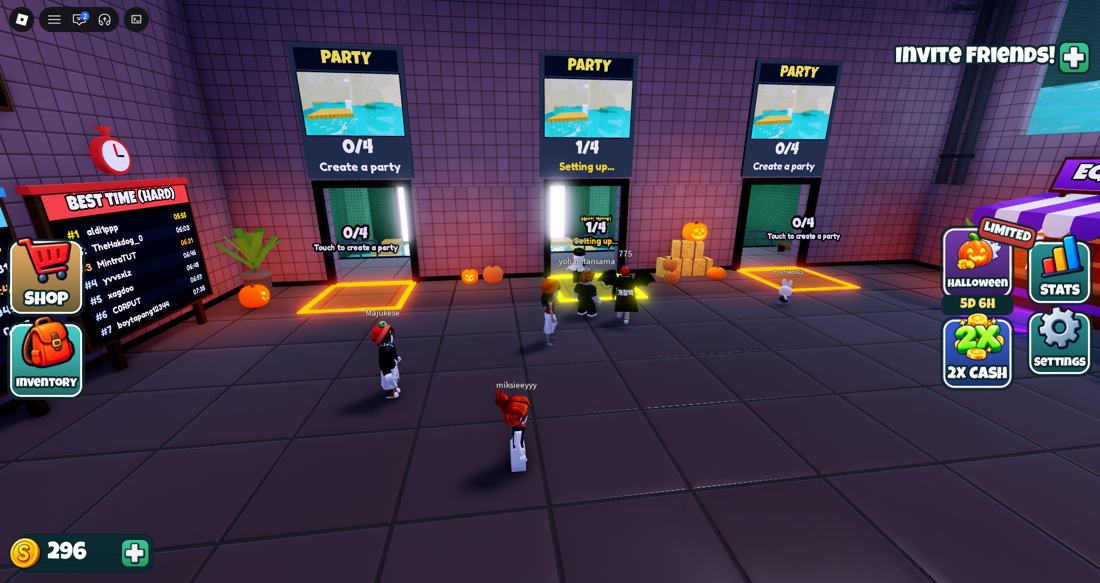
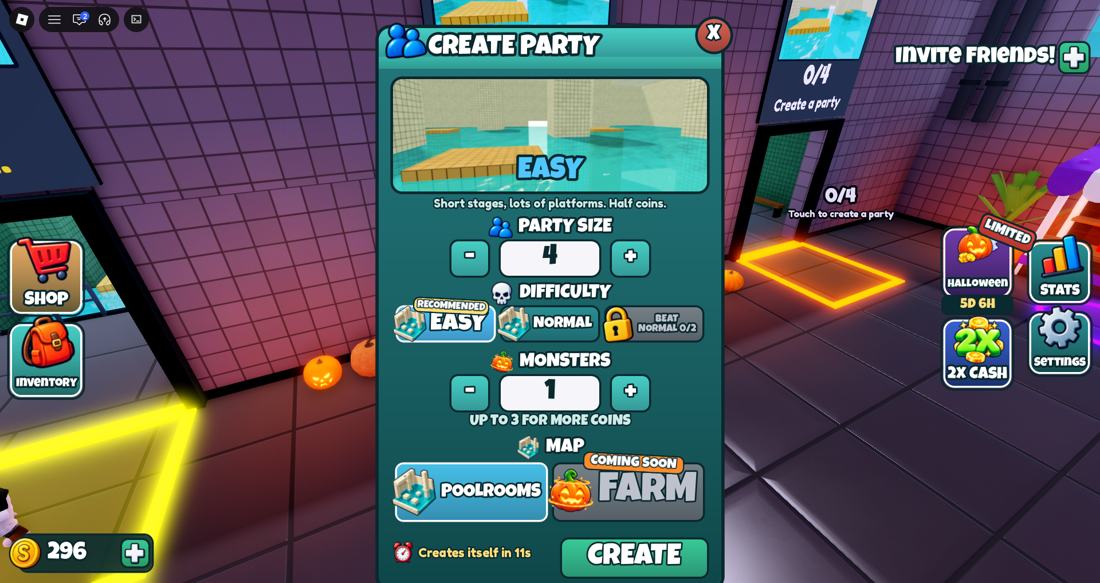
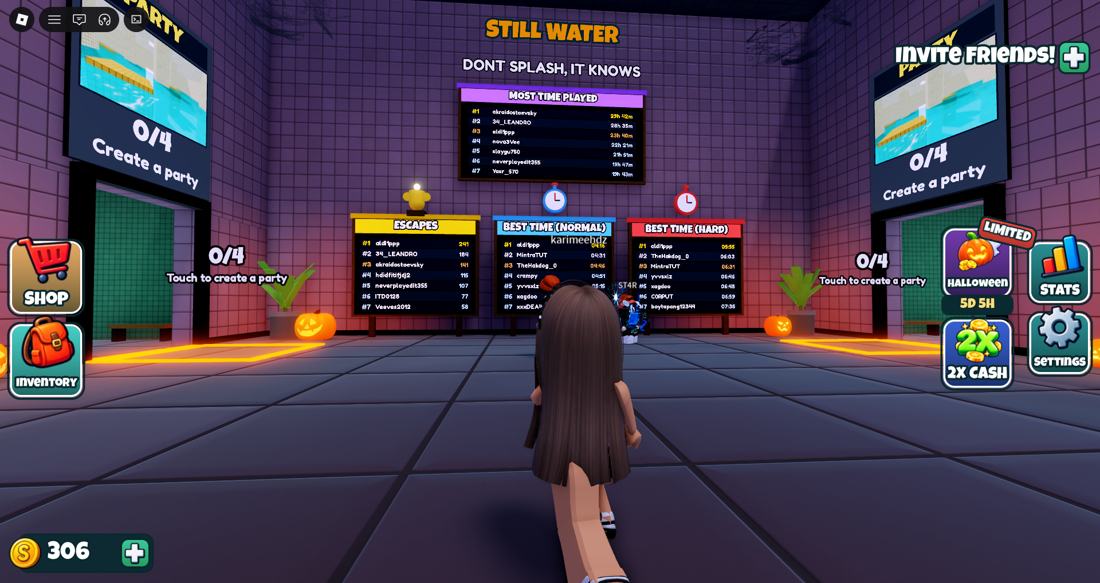
- Enter the lobby and step onto a Party pad.
- Set your party size from 1 to 4 players. Solo play is supported.
- Select Poolrooms — the playable map shown in the document; Farm is listed as coming soon.
- Choose Easy to practice. The menu lets you adjust monster count, so check the setting before starting.
Higher difficulties change the risk and rewards; exact settings may change with updates.
2. Understand the Lobby Shops and Camera
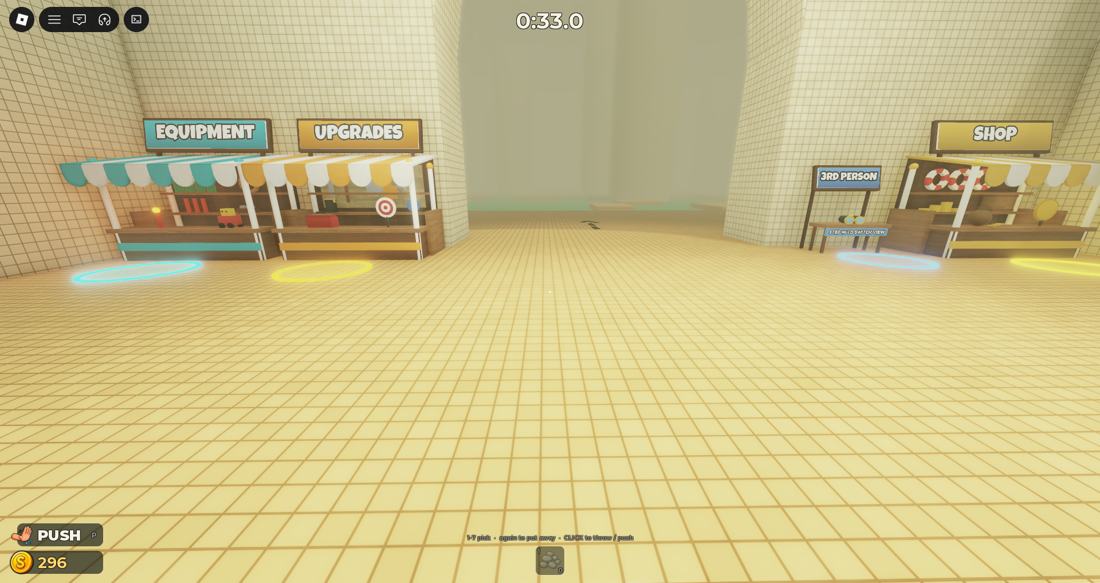
Equipment
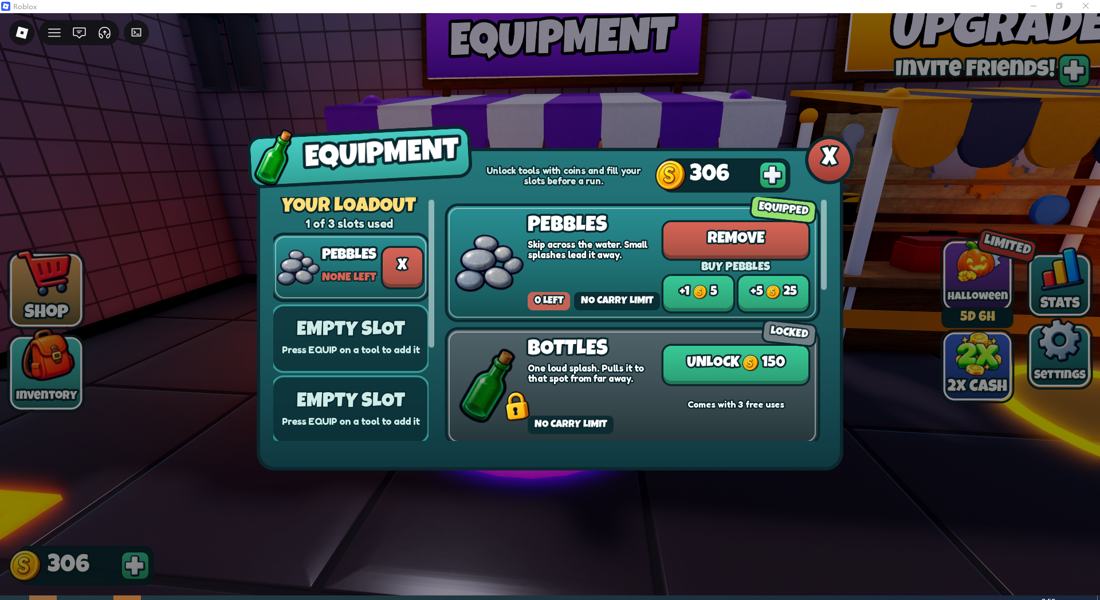
Equip throwable distractions such as Pebbles and unlock Bottles, Flares or rescue gear with Coins.
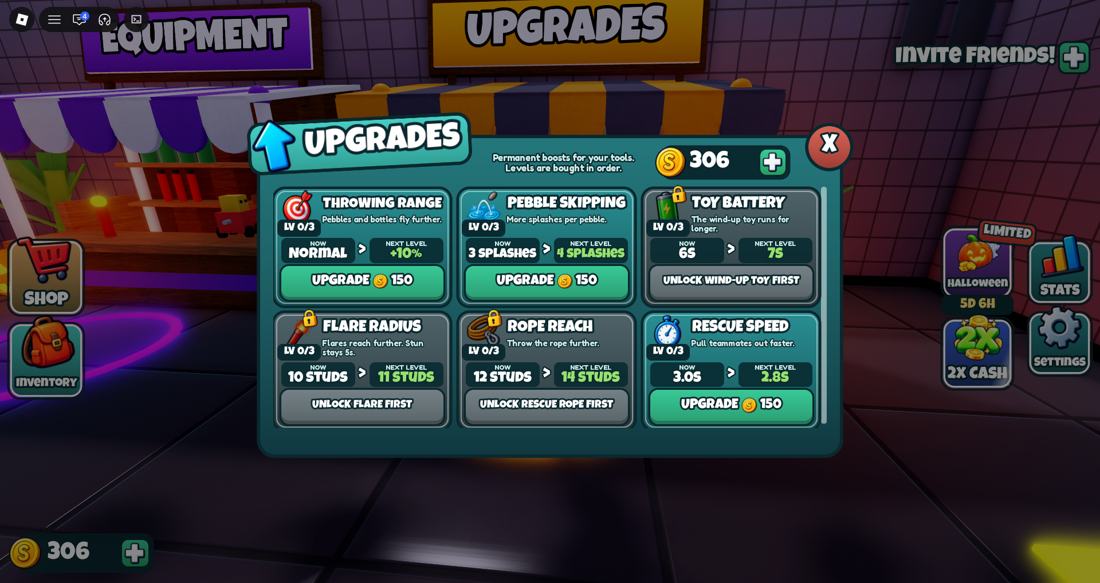
Upgrades
Improve Throwing Range, Pebble Skipping, Rescue Speed and other permanent abilities.
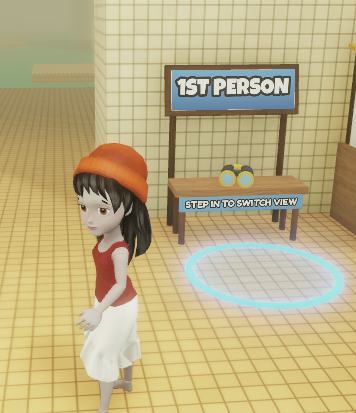
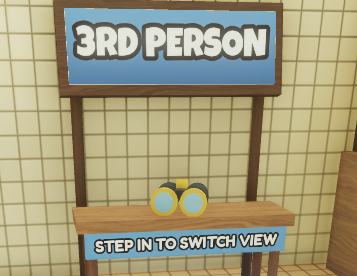
Camera view
Step into the first-person or third-person circle to switch perspectives. Third-person can help judge jumps.
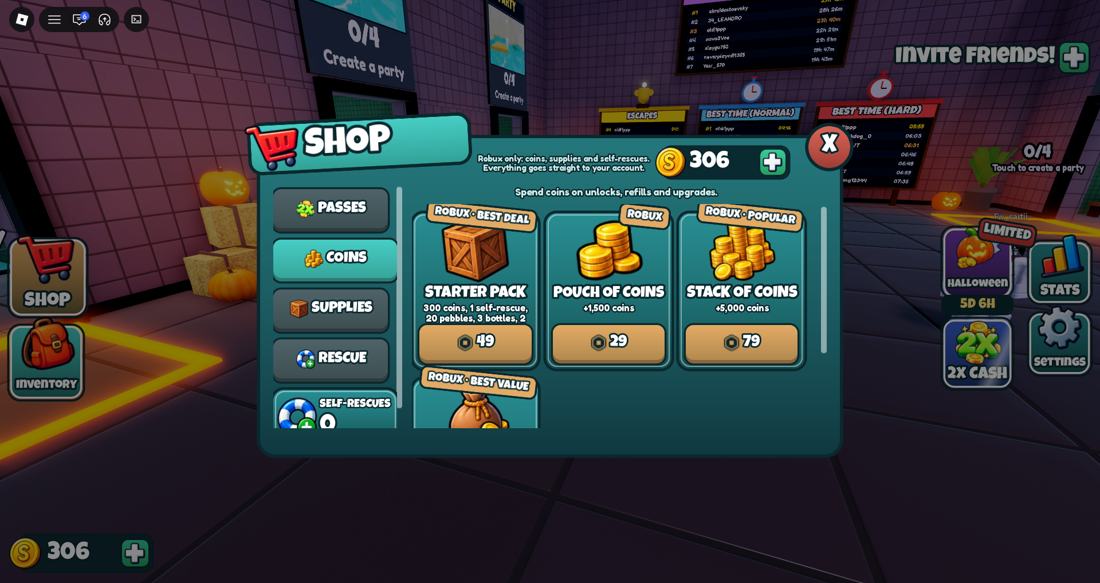
Robux shop
Optional paid passes and supplies are available. You do not need them to learn the basic route.
3. Stay Dry: Jump Between Platforms
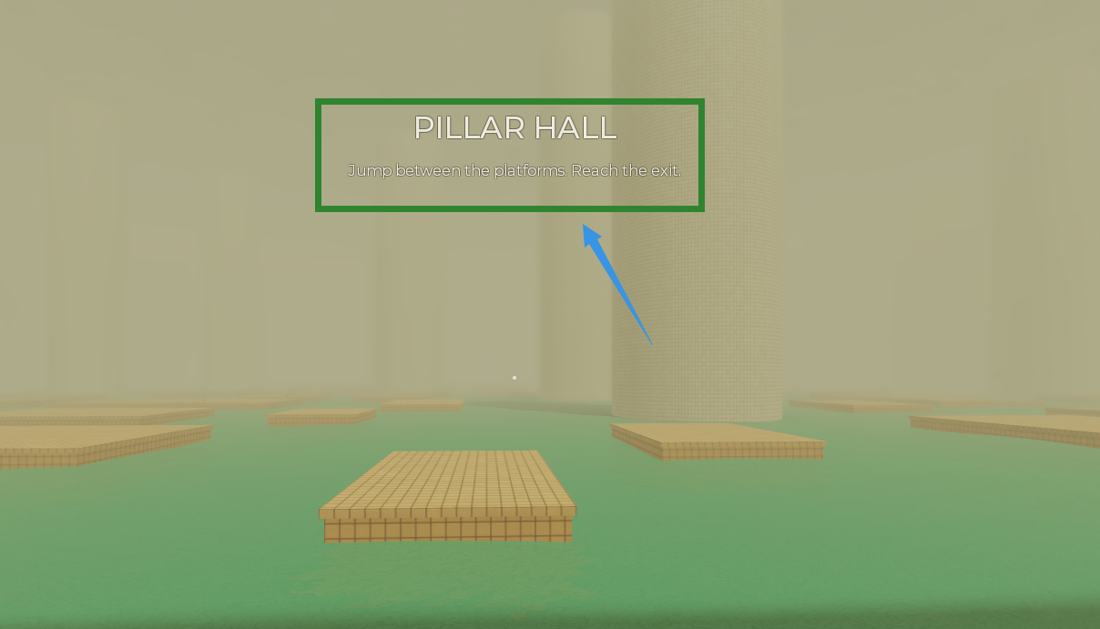
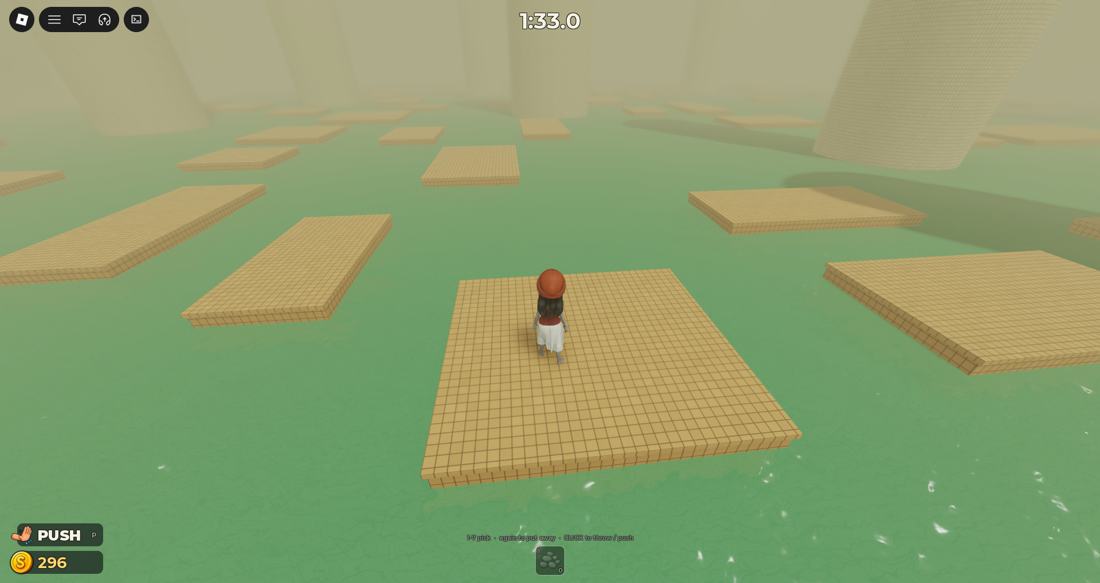
Read the sign at the start of a stage, look ahead, and jump onto the middle of the next platform. Avoid unnecessary double jumps or rushing across several gaps without checking where you will land.
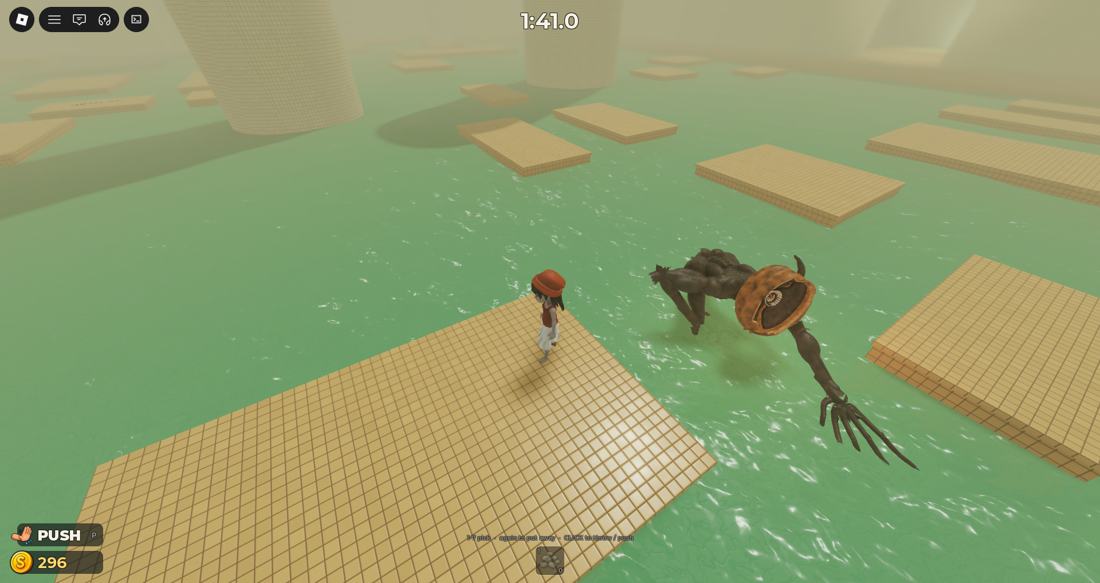
The creature reacts to sound in the water, so splashing can expose your position. On sinking or moving platforms, do not wait too long before your next jump.
4. Distract the Monster with Pebbles
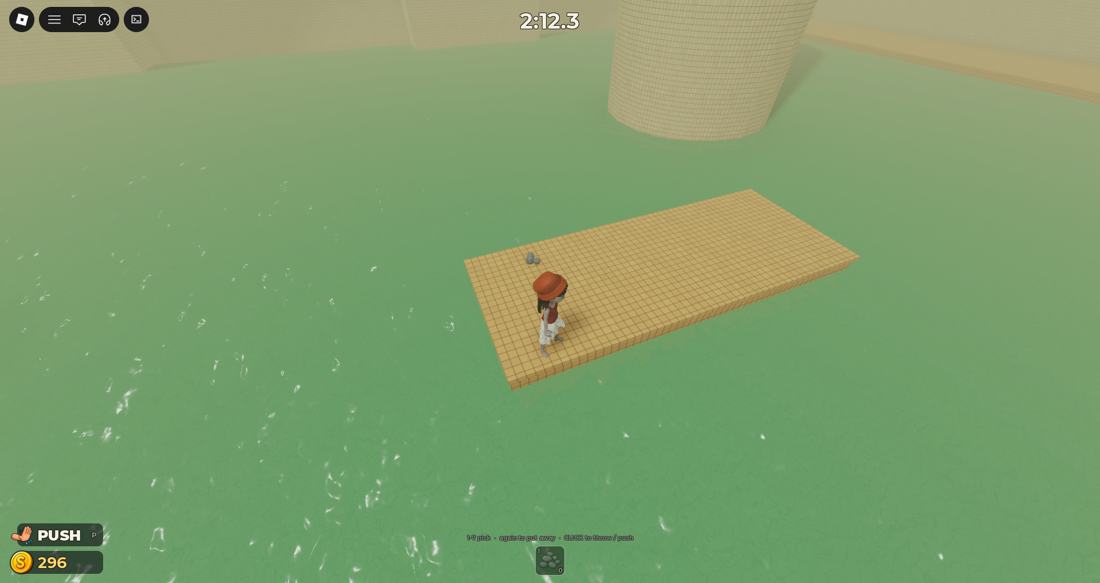
- Walk up to a small gray stone pile on a platform to collect a Pebble.
- Equip the Pebble from the hotbar.
- Aim for water away from the route you need to cross, then throw.
- Wait for the creature to investigate the sound, and move across dry tiles.
Important: Pebbles are distractions, not weapons. A splash doesn't guarantee the monster will remain away; watch its position before jumping.
5. All 9 Poolrooms Stages
The document directly shows Pillar Hall and the platform route. Independent October 2026 walkthroughs additionally describe the following nine-stage sequence after the new-stages update:
| Stage | Beginner tip |
|---|---|
| 1. Pillar Hall | Use stable platforms and follow wall arrows. |
| 2. Broken Walkway | Choose shorter, safer jumps. |
| 3. Sinking Platforms | Keep moving before tiles sink. |
| 4. Rotating Bridge | Wait until the bridge aligns. |
| 5. Moving Platforms | Time jumps to moving pads. |
| 6. Drifting Platforms | Stay near the center and adjust. |
| 7. Memory Bridge | Watch and remember the safe pattern. |
| 8. Crushing Walls | Cross when the walls open. |
| 9. Locked Exit | Follow the current lock prompts to escape. |
Stage order comes from independent walkthroughs, not from the uploaded document.
6. Open the Valves and Reach the Exit
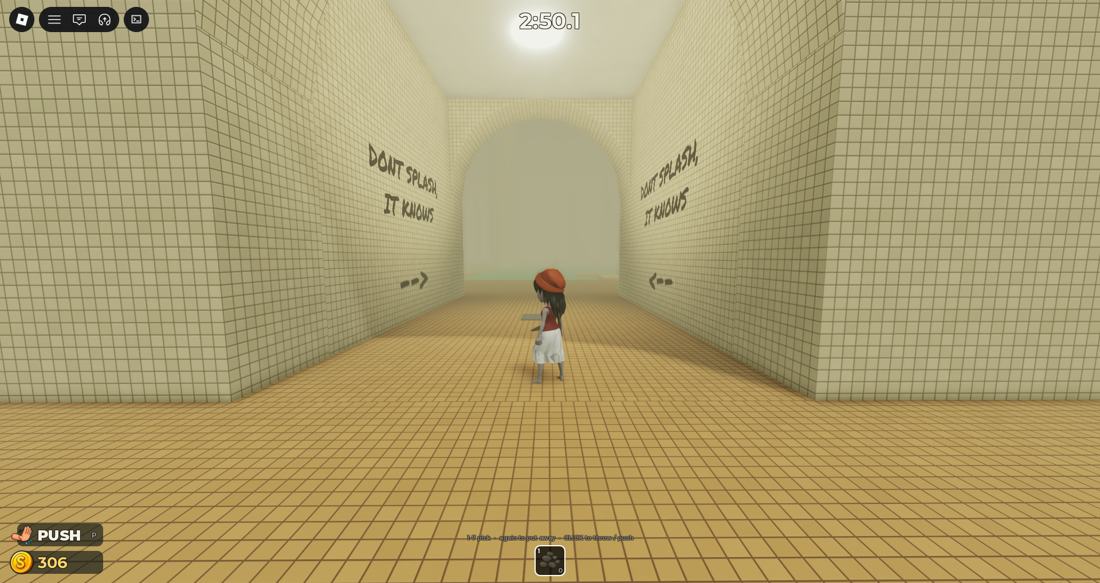
Community walkthroughs describe a Maintenance section with two red valves. Throw a decoy first, approach each valve, and hold the on-screen interaction key (commonly E on PC) until it opens. Once water starts rising, prioritize getting to the exit rather than lingering near the creature.
A stage or round is complete only when you reach the indicated finish. Check the current on-screen objective for the updated nine-room version.
7. Best First Upgrades
First: Throwing Range
Longer throws help you lure the monster away from the route you need.
Next: Pebble Skipping
Extra splashes may extend the distraction effect.
Co-op: Rescue Speed / Rope
More useful when you regularly play with friends.
Save Coins at first: free Pebbles and practice often matter more than buying every item. Coin costs and shop offers can change, so verify the current in-game menu.
8. Fast Beginner Tips
- Start on Easy until you can clear the platform sections consistently.
- Use third-person view when a jump is difficult to judge.
- Collect free stones whenever you see them.
- Throw decoys to the opposite side of your intended path.
- Keep moving on sinking platforms; stop only on safe tiles.
- In a team, decide who distracts and who activates the objective.
- Check the leaderboard for speed-run and survival challenges.
DONT SPLASH FAQ
Can I play DONT SPLASH alone?
Yes. Set Party Size to 1 in the Create Party menu.
Why does the monster find me?
It tracks splashes and some loud objectives. Stay on platforms and throw Pebbles away from your route.
Where can I find Pebbles?
Look for small gray stone clusters on the platforms. You can also use the Equipment shop.
What is the best difficulty for beginners?
Easy. It is best for learning jumps, lures and objective timing.
Is Farm available?
The supplied gameplay screenshot labels Farm as Coming Soon. Check the live menu for changes.
Are there working codes?
No reliably confirmed DONT SPLASH codes were found in the October 2026 sources checked. Avoid codes meant for similarly named Roblox games.