




















⚡ Quick Answer
Start with the six Learn PB tutorials, practice open shots in the Gym, choose a build that matches your role, and enter casual Blacktop matches before competitive Ranked Rec. Consistent shooting and good decisions matter more than flashy combos.
On this pageJump to section ↓
What Is Practical Basketball?
Practical Basketball is a Roblox basketball game by Practical's Games focused on shot timing, movement, defense, passing, builds and teamwork. Unlike a basic sports minigame, it asks players to learn several controls and develop a distinct on-court role.
The game entered Alpha on October 30, 2026, bringing additional animations and game features. Controls and balance may evolve, so always compare a published guide with the current in-game menu.
Play Practical Basketball on Roblox
Step 1 – Finish the Learn PB Tutorials
Complete the built-in tutorials before entering serious matches. They introduce the skills needed for almost every possession.
| Tutorial | Skill to practice |
|---|---|
| Shooting | Release timing and open shots |
| Passing | Finding and targeting teammates |
| Dribbling | Basic direction changes and ball control |
| Finishing | Layups and dunks near the basket |
| Defense | Staying in front of the ball and contesting |
| Post | Playing with your back to the basket |
Do not rush through the lessons simply to finish them. Repeat the shooting and dribbling examples until the input feels natural. If tutorial rewards are available in your current version, treat them as an additional benefit rather than the only reason to play.
Step 2 – Learn Practical Basketball Controls
PC keyboard controls
The table below reflects publicly documented controls from the test period. Check the Alpha control settings if the actions do not match your client.
| Action | Documented PC input |
|---|---|
| Move | W / A / S / D |
| Sprint | Shift |
| Shoot | Hold E and release |
| Pump fake | Tap E |
| Pass | Number keys 1–4 |
| Bounce pass | Double-tap the teammate number |
| Driving dunk | Shift + Space |
| Standing dunk | Hold Space near basket |
| Self alley-oop | F |
| Crossover | C or Z, depending on ball hand |
| Stepback | X |
| Snatchback | Double-tap X |
| Screen | Hold T |
| Post up | Hold G |
Controller controls
| Action | Xbox | PlayStation |
|---|---|---|
| Shoot | Hold X | Hold Square |
| Sprint | RT | R2 |
| Driving dunk | RT + Y | R2 + Triangle |
| Standing dunk | Hold Y | Hold Triangle |
| Screen | Hold B | Hold Circle |
| Post up | Hold LT | Hold L2 |
Mobile players should use the touch buttons displayed by the game. Their arrangement can differ from keyboard and controller layouts.
Step 3 – How to Shoot in Practical Basketball
Shooting is one of the most important skills because a strong shooting rating alone does not guarantee a basket.
- Move into an open position and face the hoop.
- On PC, hold E to begin your jump shot.
- Watch the shooting animation or meter carefully.
- Release at the correct timing, aiming for the green or Perfect Release window.
- Check the feedback and repeat from a similar spot.
How to Improve Shot Timing
Begin with stationary mid-range attempts. Once the release feels consistent, practice catch-and-shoot attempts and then moving shots. Learn the timing of one jumpshot animation before switching to another.
A wide-open shot is usually more reliable than a heavily contested one. Passing to a free teammate can be the smarter offensive decision even when your own Three-Point Shot is high.
What Is the Best Jumpshot for Beginners?
There is no proven universal animation for all builds. Available jumpshots may depend on height, shot rating and unlock requirements. Pick one your build can equip and repeatedly practice it in the Gym.
Step 4 – How to Dribble and Create Space
Dribble moves help you change direction, escape defenders and create better shooting angles, but long sequences are not automatically better.
| Move | Documented PC input | Beginner use |
|---|---|---|
| Crossover | C or Z | Change direction |
| Stepback | X | Create space for a jumper |
| Snatchback | Double-tap X | Pull the ball away from a defender |
| Double crossover | C or Z twice | Change direction quickly |
Beginner combination: Move toward one side, perform a crossover, then stop and evaluate the defender. If they keep crowding you, use a stepback to create a better shooting opportunity. If a teammate is open, pass instead.
Avoid over-dribbling. Your Stamina and possession time are limited, and predictable combos become easier to defend.
Step 5 – How to Dunk and Finish at the Rim
Standing dunk: Near the rim, hold Space on PC with a build and equipped animation that allow the finish.
Driving dunk: Sprint toward the basket and use Shift + Space at the appropriate point in your approach.
Your Driving Dunk, Standing Dunk, Vertical and animation eligibility may affect what your character can do. A heavily contested finish can also be more difficult than a clean lane.
Why Does My Player Perform a Layup Instead?
Check the distance from the basket, sprint input, your equipped animation and the relevant attribute requirements. If the game updated recently, verify the input in the current control guide. Don't repeatedly force a dunk into multiple defenders; use a pass or simpler finish.
Step 6 – Choose a Beginner-Friendly Build
Every role contributes differently. Choosing your preferred style before allocating attributes makes the game easier to understand.
| Position | Main job | Good starting choice? |
|---|---|---|
| Point Guard (PG) | Ball handling and passing | Better with practice |
| Shooting Guard (SG) | Perimeter scoring | Yes, for shooters |
| Small Forward (SF) | Balanced two-way play | Excellent |
| Power Forward (PF) | Finishing and defensive help | Yes, for bigs |
| Center (C) | Rebounds and paint defense | Yes, for team players |
A balanced Small Forward is a good all-around starting option. But if you already enjoy passing, a PG may fit you better; if you prefer rebounds and blocks, explore a Center.
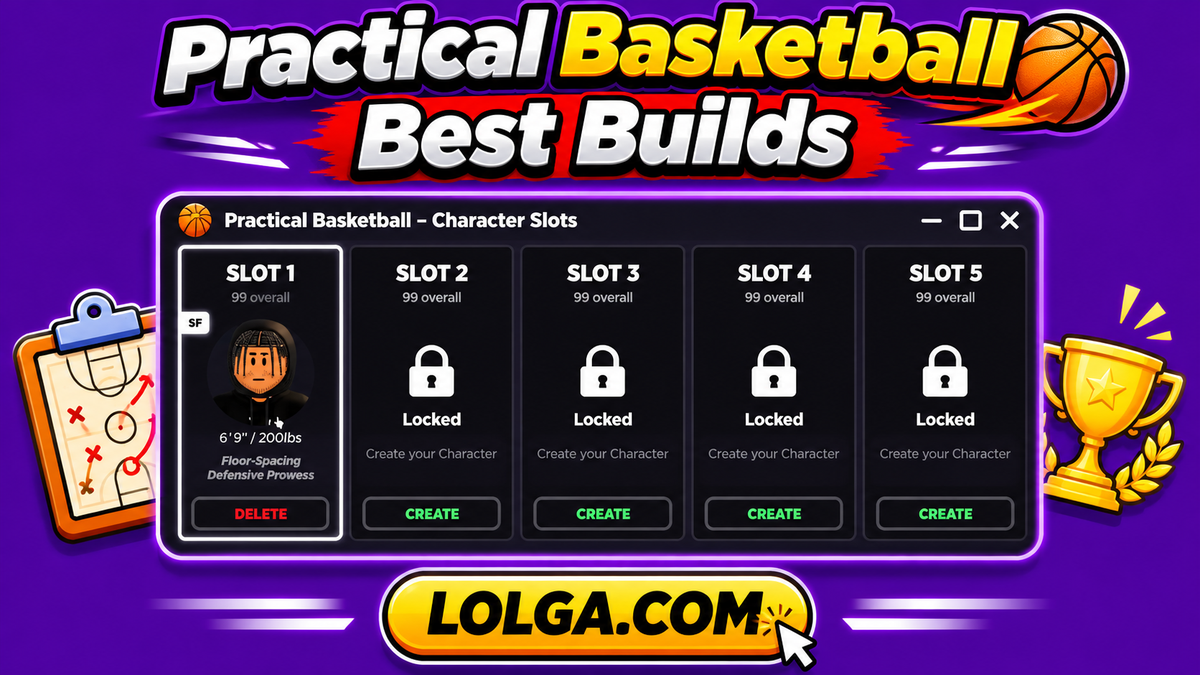
Our Best Builds guide compares five historical community position templates. Always check the Alpha builder for current attribute limits before copying numerical spreads.
Step 7 – Understand Badges and Takeovers
Badges support particular basketball actions such as shooting, finishing, playmaking and defense. Their usefulness depends on the attributes you have invested in and the actions you perform often.
Takeovers complement specific playing styles. Examples documented in Practical Basketball include:
| Takeover | Intended focus |
|---|---|
| Knockdown Shooter | Perimeter shooting |
| Smooth Operator | Shot creation and handling |
| Highlight Reel | Athletic finishing |
| Board Hunter | Rebounding |
| Diesel | Physical interior offense |
Pick a badge and Takeover combination that supports your main responsibilities. Do not spread points across unrelated attributes without checking which badge thresholds you actually need.
Step 8 – Choose the Right Game Mode
Learn PB
Best for learning the essential mechanics. Revisit tutorials when you struggle with a specific input.
Gym
A low-pressure environment for practicing shot timing, dribble moves and different animations. Spend time here after any major build change.
Blacktop
Casual match formats, including 1v1 through 5v5 in the Alpha release, help you learn spacing, rebounds and your build's strengths against real opponents.
Ranked Rec
Competitive 5v5 gameplay with placements and ranks. Enter after you understand your position and can contribute beyond shooting alone.
A Simple 20-Minute Practice Routine
| Time | Focus | Goal |
|---|---|---|
| 0–5 min | Stationary shots | Build repeatable release timing |
| 5–8 min | Passing | Learn to find open teammates |
| 8–12 min | Crossovers and stepbacks | Create space without over-dribbling |
| 12–16 min | Layups and dunks | Learn proper finishing distances |
| 16–20 min | Defensive positioning | Stay in front and avoid bad contests |
Repeat this routine before difficult matches. Once one skill becomes automatic, replace a few minutes of practice with a more advanced move.
How to Earn and Spend Rewards Wisely
New players should check the available Practical Basketball Codes before playing. On November 2, 2026, 100M and RELEASE were reported as active by recent trackers, though in-game redemption has not been independently verified here.
Use any Coins and Tickets carefully. Learn the default animation first, choose your build and only then consider purchases suited to your height and attributes. If you earn temporary Double Coins boosts, try to use them during completed matches rather than while troubleshooting the controls.
Six Beginner Mistakes to Avoid
1. Taking heavily contested jumpers. Good spacing and passing are often more valuable than a difficult attempt.
2. Sprinting every second. Save Stamina for a drive, defensive recovery or fast break.
3. Using complicated combos too soon. Start with a reliable crossover and stepback.
4. Ignoring defense. Stay between the ball and the basket. Don't jump at every fake.
5. Copying an outdated S-tier build. The historical Tier List reflects Stress Test 3, not a verified current Alpha meta.
6. Spending resources immediately. Practice first so you understand which animations and attributes matter for your position.